A COMPLETE COLLECTIONS MANAGEMENT SOFTWARE SOLUTION
Proficio adapts to your institutional workflows, manages physical and digital assets, easily searches across museum, archives, library and archaeological collections and generates reports to share on the Web.
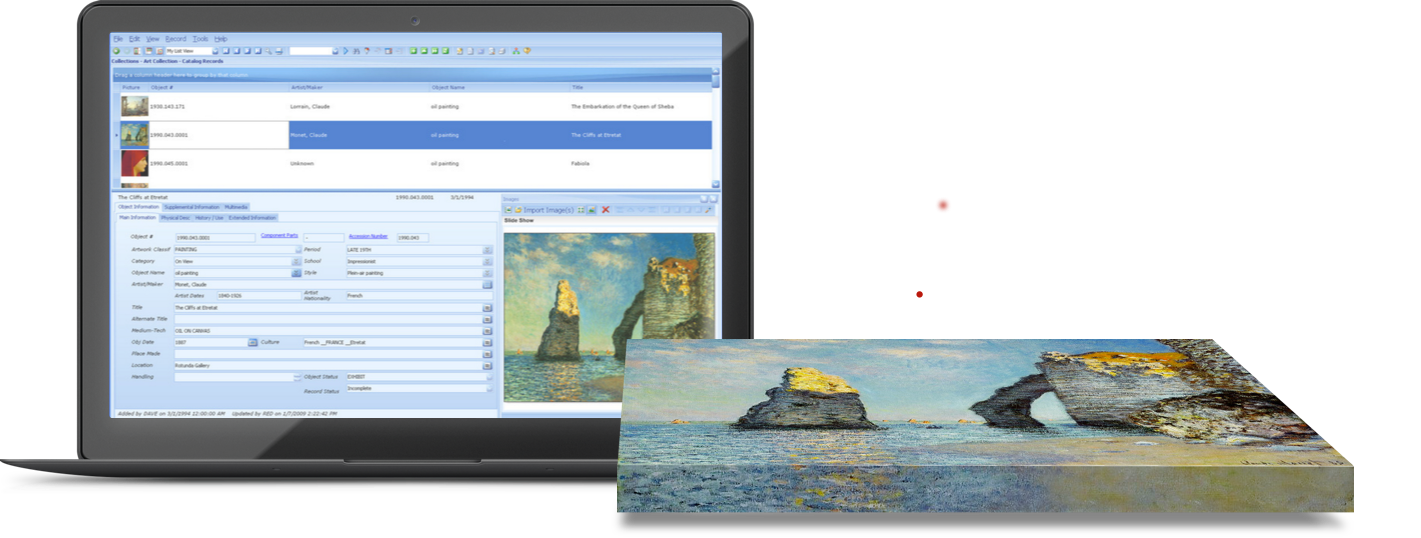

COLLECTIONS MANAGEMENT SOFTWARE SOLUTION FOR SMALL INSTITUTIONS
Proficio Elements is affordable and provides intuitive workflows for managing collections, exhibits, loans, accessions, sharing collections online, and more.
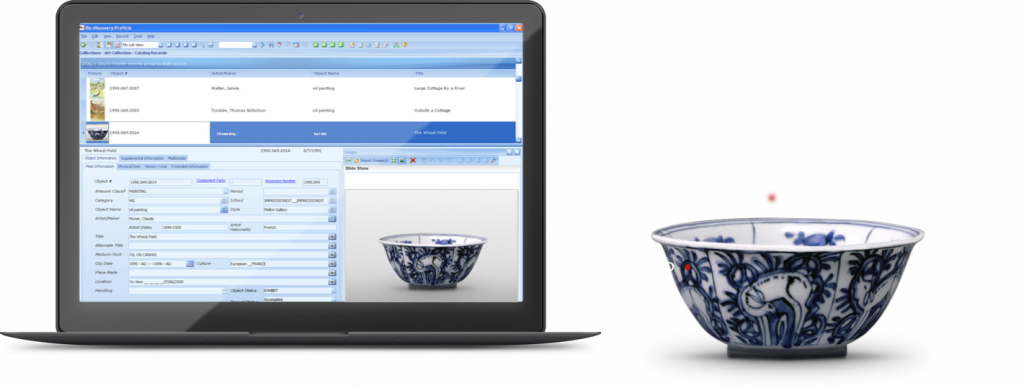

MOBILE ACCESS TO COLLECTIONS MANAGEMENT SOFTWARE
Proficio Mobile provides access to inventory, updating, and adding new records. Docent view via mobile devices.

ONLINE COLLECTIONS PORTAL- CREATE ONLINE EXHIBITS AND ALLOW PUBLIC ACCESS TO YOUR COLLECTIONS.
Proficio for the Web shares collections content with images and multimedia on your website from your Proficio CMS.
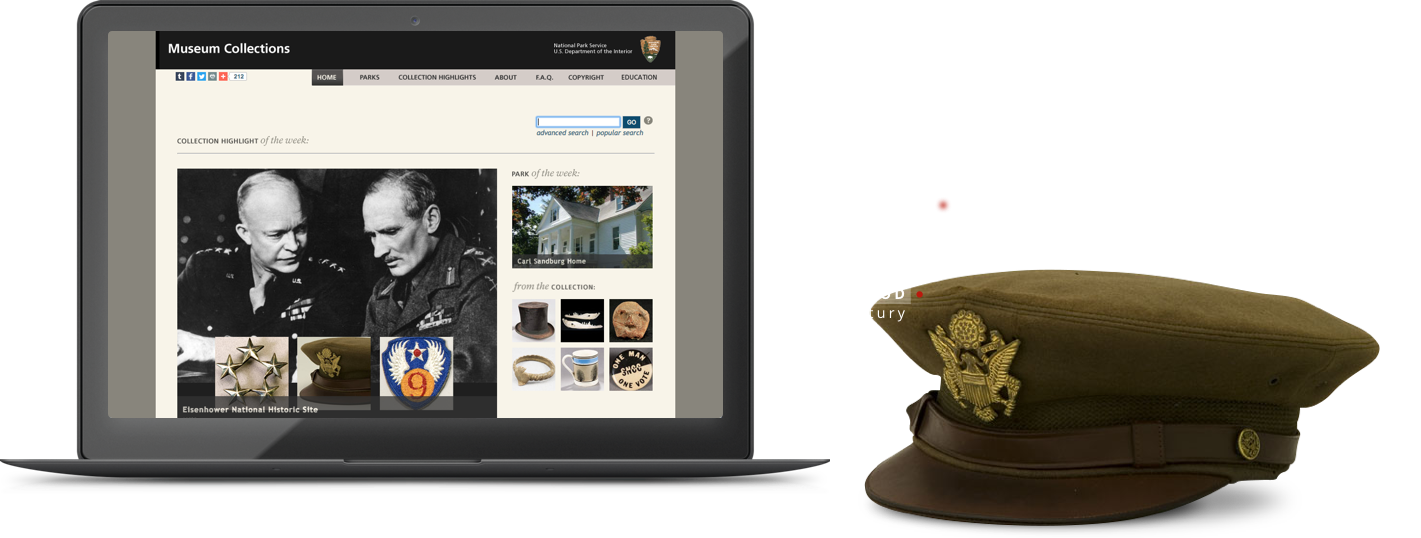

WEB BROWSER ACCESS TO YOUR COLLECTIONS, ANYWHERE
Your secure Proficio Cloud account is backed up, updated, and supported. Spend less time with IT and more with your collection.

RE:DISCOVERY COLLECTIONS MANAGEMENT SOFTWARE FEATURES
Re:discovery Software, Inc. is the leading independent provider of professional grade, feature rich collections management software for art museums, archives, libraries, archaeological collections, historical museums, and historical societies, both nationally and globally.
Proficio and Proficio Elements are popular and proven software technologies, particularly proficient for managing workflow, inventory management, art collections, documentation and organization, tracking, managing loans and accessions.
With more than 30 years of development and a team of museum collections management software professionals behind the scenes, Re:discovery Software, Inc. continues its advancements to include Proficio Cloud, Proficio Mobile, and Proficio for the Web.
MANAGE ANY COLLECTION
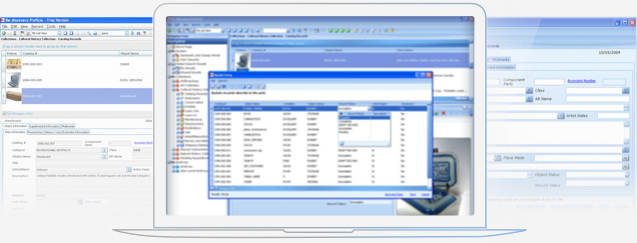
The diversity of the catalog styles in one centralized location allows for a consistent workflow across all your collections. Proficio includes an Art Catalog, History Catalog, Natural History Catalog, Hierarchical Archives, Reference Library and Archaeology, all in one place designed to look and feel the same for easy use amongst your whole team. Easily keep track of your entire national and international institutional collection.
RESPONSIVE COLLECTIONS MANAGEMENT SOFTWARE
Navigation made intuitive so you don’t have to go through multiple screens to get what you need. The main objective of a CMS is to have a centralized location to find information about your collections efficiently. Find what you’re looking for with Google-like keyword searches. Take advantage of convenient sorting, grouping, and filtering of records. Allow your fingers to rest more and your brain to stay actively engaged with your collections.
EXTENSIVE COLLECTIONS MANAGEMENT ATTRIBUTES
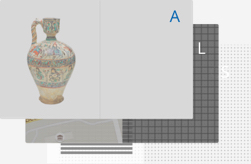
In each catalog maintain all your records with appropriate documentation. Accessions, Deaccessions, Loans, Exhibits, Conservation, Shipping, Location, and more. Allow access to users with specific permissions. Set up workflows to enhance productivity within the different components of your collections management.
INTUITIVE AND EASY TO LEARN
Most new users require minimal training to become familiar with their collections management software navigation and data entry features. High quality training available by webinar, user group, and user manual if needed. Powerful mass updating capabilities included for changing locations or cleaning up data as simple examples. Simplified data entry tools reduce the number of keystrokes for adding and updating records, allowing you to work more efficiently.
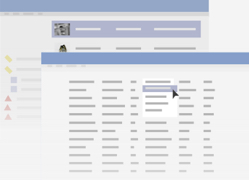
HIGH QUALITY CMS SEARCH OPTIONS
When it comes to collections management software, and extremely powerful searching capability across all data fields, including attached multimedia is a must. Search across all your fields with a user defined keyword. Filter, sort, and group pieces of the collection for reporting, inventory, or later use. The options are virtually endless in the ways you can interact with your collections. An important aspect of a CMS is to access the data held within in an efficient manner.

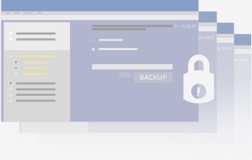
ADVANCED SYSTEM SECURITY
Access can be assigned per user with different permission settings. From Administrator to a Read Only user, easily determine who on the team does what with the institution’s collections. Allow volunteers access to only certain parts without the ability to delete records as an example. The configurations are extensive for each individual user within Proficio. Make certain metadata fields required for entry in each catalog.
DIGITAL ASSETS
Attach unlimited digital assets to the appropriate catalog record. It’s easy to zoom images, view a slideshow, and opt to include the images in a report. Keep track of certain metadata within the image, manage it for the online collection, and easily search for use within the organization. Upload video, audio, PDF’s and Word documents to each record to then share to the public site.
Featured Clients


Who We Are
Wherever you need collections management software to catalog and organize a collection and want a responsive and an intuitive CMS to find data through a centralized system, turn to Re:discovery Software, Inc. At Re:discovery Software we design collections management software to blend into your workflow and make managing and accessing your collection simple and productive.
We have a notable and diverse clientele including art, history, & science museums, corporate & private collections, archives, universities, research libraries, non-profits, archaeological sites, government agencies, and more.
FOCUS ON THE BIG PICTURE
OUR COLLECTIONS MANAGEMENT SOFTWARE TAKES CARE OF THE DETAILS
CHOOSE A COLLECTIONS MANAGEMENT SOFTWARE PROGRAM THAT FITS YOUR SIZE BUSINESS BEST
All the tools, customization & features you need to manage your any size collection plus:
- Will Fit Any Level of Collection
- Ability to Manage Museum + Archive + Research Library in a Single Program
- Extensively Manage Archaeological Sites

Select tools & features you need to manage smaller institutional collections:
- Designed with Smaller Institutions in Mind
- Ability to Manage Archive + Museum + Research Library in a Single Program